
Automatic Animations

Automatic Animations
for Final Cut Pro

Regular price $20.00
/
  • 30-day money-back guarantee
  • Pay once, yours forever
  • Install on up to 5 Macs
  • Pay with Apple Pay

Buy one, get one free on every plugin

Want every plugin?

80+ plugins for $80, about $1 each, and this one's included.

Upgrade to the MEGA BUNDLE

Automatic Animations adds over 100 animation effects to Final Cut Pro that need no keyframing.

Requires no keyframing. All of the animations are built into the presets and easy to adjust.

On, off, or on and off versions of every effect, with shared speed, ease, scale, rotation and shake controls.

Works with the current versions of Final Cut Pro and macOS, on Intel Macs and natively on Apple silicon. Pay once, yours forever; past customers get updates. Every order has a 30-day money-back guarantee.

Automatic Animations is also one of the 80+ plugins in the MEGA BUNDLE, a $1,600+ value, for $80.

BUY ONE, GET ONE FREE

Every second plugin is free, applied automatically at checkout.


DemoAutomatic Animations in action
Extended demoThe full Automatic Animations demo

Automatic animation effects for Final Cut Pro, no keyframes

Overview

Automatic Animations is a Final Cut Pro plugin with over 100 animation effects that need no keyframing. The animation is built into each preset, so you just drop it on and adjust.

Effects include angle blur, bad TV, black hole, blink, blur, bulge, color blur, colorize, emboss, pixelate, position and offset moves, and many more.

Each effect comes in three versions: on only, off only, and on and off. The on and off versions also work great as transitions: place the middle over a cut.

It is great for music videos and anything that needs eye-catching movement. Every preset shares the same controls, including scale, rotation, position, shake and twist.

Features
  • Over 100 animation presets: no keyframing needed.
  • On, off, or on and off: animate in, out or both, automatically.
  • Use as transitions: place an on and off preset over a cut.
  • Shared controls: scale, rotation, position, shake, twist and more on every preset.
  • Speed and ease: ON.SPEED, OFF.SPEED and EASE set how the animation moves.
  • Custom presets: build your own animation from the same controls.
How to use
  1. In the Titles browser, search for AAP to find the presets.
  2. Drag a preset into your timeline above the footage you want to animate.
  3. Choose on only, off only, or on and off, depending on when you want the effect.
  4. Adjust ON.SPEED, OFF.SPEED and EASE in the Inspector.
  5. To use one as a transition, place the middle of an on and off preset over a cut.
Requirements
  • Works with all versions of Final Cut Pro from the last 5+ years, including Final Cut Pro 11 and the current Final Cut Pro 12
  • Works with the current versions of macOS
  • Runs on Intel Macs and natively on Apple silicon (M1 and later)
  • No Apple Motion needed
  • Works with every resolution Final Cut Pro supports, including 4K and 8K
  • Install on any Mac you own that’s signed in to the same Apple account (Apple allows up to 5 Macs)
FAQ

Do I need to set keyframes?

No. The animation is built into each preset. Just adjust the speed and amount.

Can I use them as transitions?

Yes. Place the middle of an on and off preset over a cut between two clips.

Why is it in the Titles browser?

It works as a layer above your footage, so it lives in the Titles browser. Search for AAP to find it.

An effect will not turn off properly. What should I do?

Use one of the CUSTOM presets, which are not affected by this Final Cut Pro issue.

Is Automatic Animations part of the MEGA BUNDLE?

Yes. It's one of the 80+ plugins in the MEGA BUNDLE, a $1,600+ value, for $80.

Is there a deal on individual plugins?

Yes. Buy one, get one free on every plugin, applied automatically.

How do I install it?

It's an instant download. Double-click the included installer (the .app file), then restart Final Cut Pro.

What if it isn't right for my project?

Every order is covered by our 30-day money-back guarantee.

Automatic Animations

$20 · Instant download · 30-day money-back guarantee

In Final Cut Pro

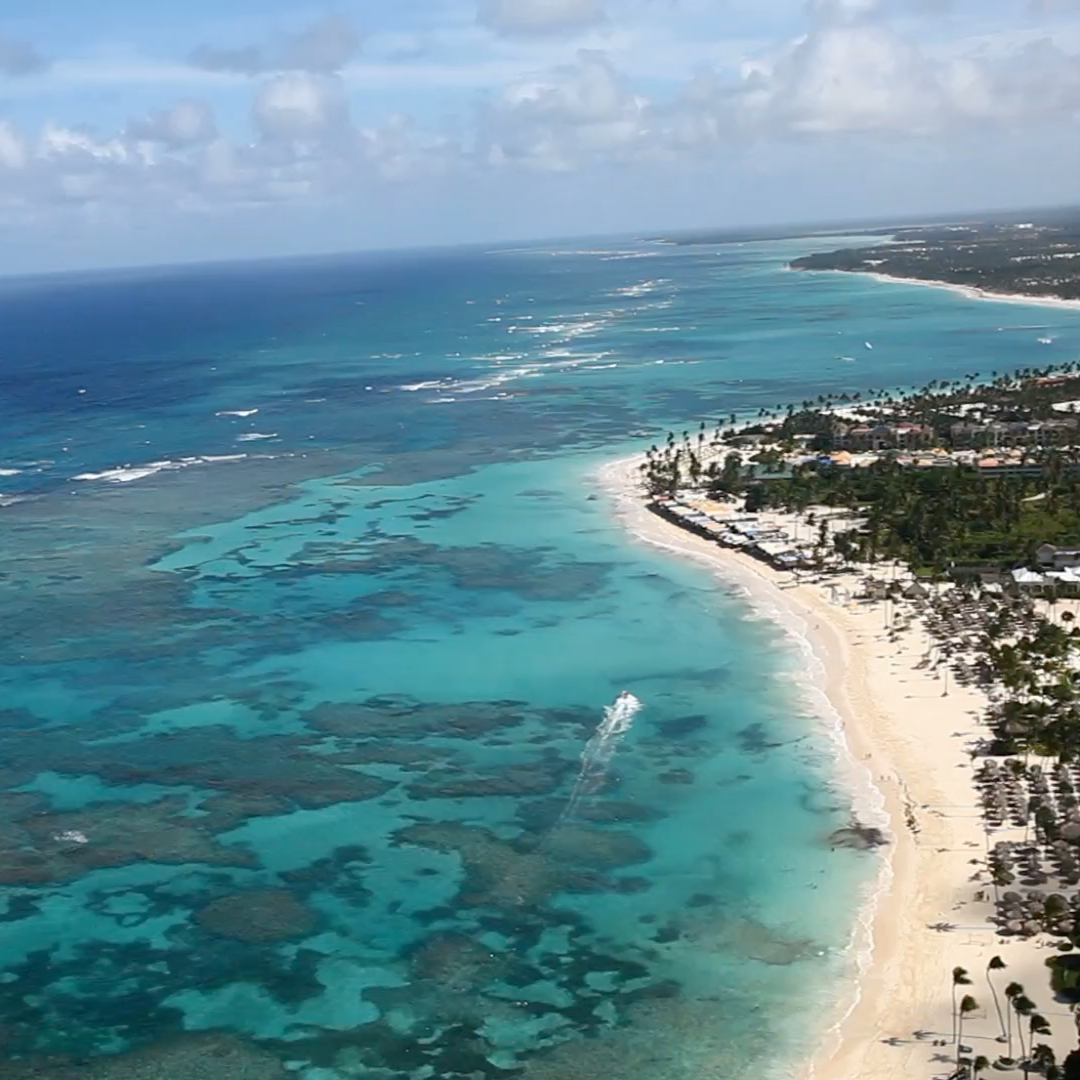
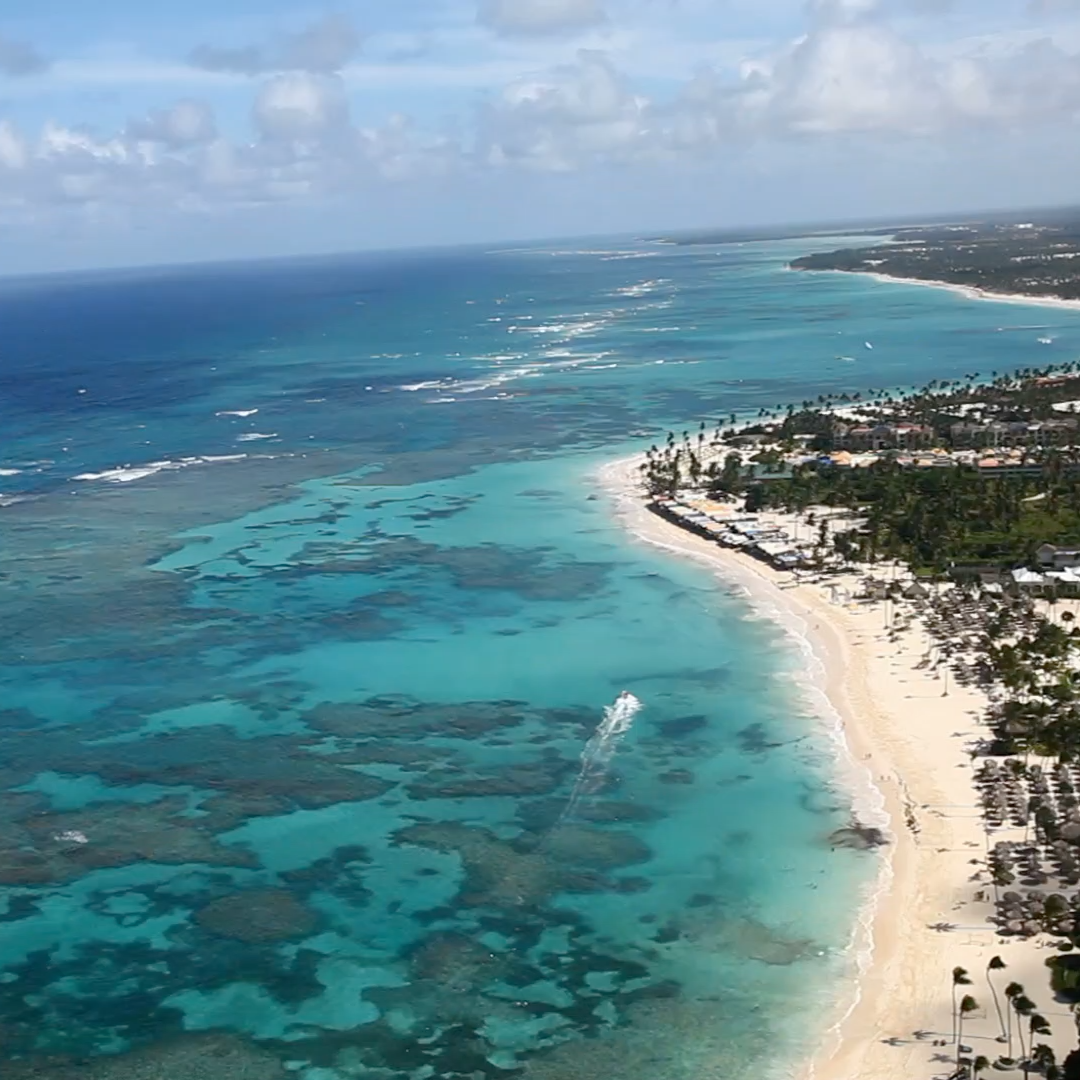
Add animation to the beat as the timeline plays
Color animation on a clip
Black and white animation on the same clip
30-day money-back guarantee Not happy? Just contact us for a full refund.
Secure checkout · Instant downloadApple Pay Shop Pay PayPalVisa Mastercard American Express Google Pay Amazon Amazon Diners ClubDiscoverUSDC

Save more

Buy one, get one free

Every second plugin is free, applied automatically at checkout.

Browse all plugins

The MEGA BUNDLE

All 80+ plugins, one price. A $1,600+ value.

Get the MEGA BUNDLE · $80

BUY ONE, GET ONE FREE

Every second plugin is free, applied automatically at checkout.


Skin Smoother
Skin Smoother
White Balance Plugin
Ken Burns Plugin
Ken Burns Plugin
Screen Splitter 2 split screen layouts
Screen Splitter 2